
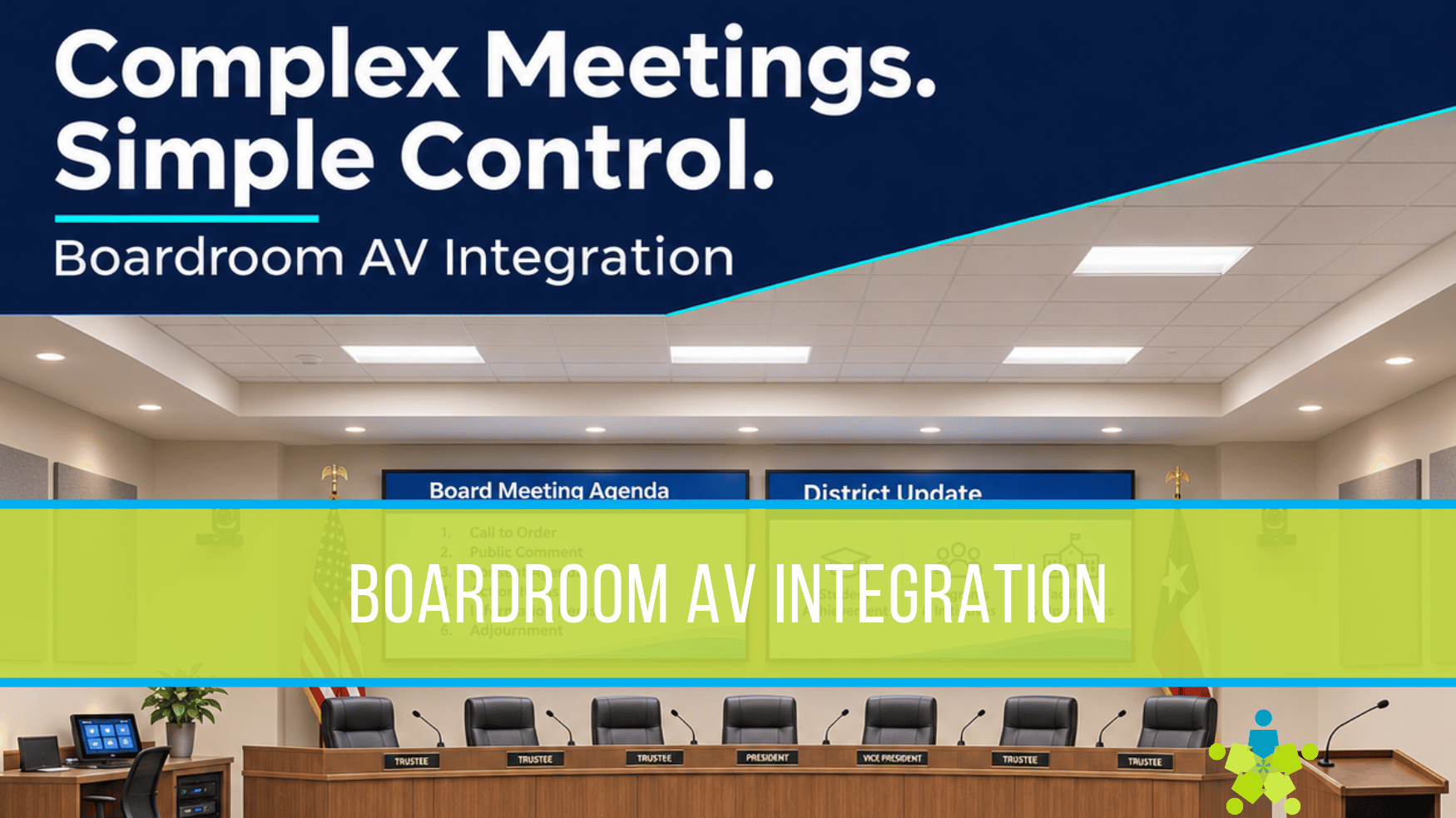
Boardroom AV Integration That Makes Complex Meetings Easier
A school board member speaks into a microphone. A presenter shares financial reports. Cameras capture the discussion while families watch on YouTube. In a corporate boardroom, executives may review presentations while remote colleagues join through a conferencing platform.
Each activity depends on technology working together. When the system is designed well, people can concentrate on the meeting. When it is not, staff may struggle with missing audio, incorrect camera views, or content appearing on the wrong display.
Boardroom audiovisual integration connects microphones, cameras, displays, content sources, and streaming platforms into a coordinated system. Here is what happens behind the scenes and why it matters to your organization.
Start With How Your Room Will Work
Before selecting equipment, define the activities your boardroom needs to support. A school district may use the space for public meetings, staff development, parent presentations, and community forums. A corporate organization may need executive meetings, employee training, hybrid collaboration, and company updates.
Those uses create different requirements. Public comments need reliable microphone coverage. Training may require audience questions. Confidential discussions require deliberate control over recording and streaming.
Planning around these situations helps determine camera locations, microphone types, display placement, and who will operate the system. It also establishes which existing equipment can remain useful.
Microphones and Processing Make Speech Easier to Follow
Boardrooms may combine wired gooseneck microphones, wireless handhelds, lapel microphones, and ceiling arrays. Each serves a purpose, from capturing board members to accommodating a presenter who moves around.
A digital signal processor, or DSP, manages audio between these microphones and the system’s destinations. Depending on its capabilities and configuration, it can adjust levels, shape sound through equalization, reduce certain background noises, and automatically manage multiple microphone channels.
In hybrid meetings, acoustic echo cancellation helps keep remote participants from hearing their own voices returned through the room microphones. Conferencing processors can combine this with automatic mixing and other audio functions.
The room speakers, video call, and livestream may need separate audio mixes. Remote participants should hear local discussion without receiving their own audio back. Online viewers also need presentation audio. Correct routing makes these experiences possible.
Processing still depends on good microphone placement, speaker coverage, room acoustics, and commissioning. Turning up the volume alone cannot solve every intelligibility problem.
Multiple Cameras Help Viewers Follow the Discussion
A single wide camera view may show the entire room while leaving individual faces difficult to see. Multiple cameras can provide useful views of board members, presenters, and audience speakers.
Pan-tilt-zoom cameras can store preset positions for recurring locations such as the podium or board table. An operator can select these views, or a compatible automation system can recall them using microphone activity or other supported triggers.
Automatic switching requires careful setup. A camera should capture the intended speaker without constantly changing views during brief interruptions. Presets, framing, and switching behavior should be tested during realistic discussions.
For the viewer, the benefit is straightforward: it becomes easier to identify who is speaking and follow the conversation.
Encoders and Decoders Connect Sources to Destinations
Presentations, cameras, and room computers need pathways to displays and other equipment. In an AV-over-IP system, an encoder converts a source signal into a form that can travel over a compatible network. A decoder receives that network stream and converts it into an output a display or other device can use.
This allows an appropriately designed system to send a laptop presentation to several displays or route different sources to different destinations. The equipment must support the required resolution, latency, connectivity, and network conditions.
A streaming encoder has a different assignment: preparing a program’s video and audio for delivery to a platform such as YouTube. An encoder used for room distribution does not automatically perform that function.
For your team, the value is flexible content sharing with fewer manual connection changes.
Multiple Displays Give Each Audience a Useful View
The largest display is only part of the viewing experience. Side displays can improve sightlines for audience seating. A confidence monitor can help board members or presenters see content without turning away from the discussion.
Displays may mirror one source or show different information. During a hybrid corporate meeting, one might show remote participants while another shows a presentation. During a school board meeting, the audience may see a report while an operator monitors the production separately.
Display size, viewing distance, text size, glare, and seating angles should guide the design. Content that looks readable on a laptop may be difficult to follow from the back row.
Streaming Requires Its Own Production Plan
A livestream needs a deliberate combination of camera views, presentation content, and audio. A switcher or production processor can select sources and, where supported, create layouts that show the presenter alongside the material being discussed.
Settings also affect bandwidth. YouTube’s current guidance recommends 14 Mbps for H.264 video at 1080p and 30 frames per second, compared with 17 Mbps at 60 frames per second. These are video bitrate recommendations; the internet connection needs additional capacity for audio, overhead, and other traffic.
The appropriate settings depend on the encoder, available upload capacity, and meeting needs. A tested connection, premeeting checks, and stream monitoring help staff identify problems before viewers do.
Simple Controls Bring the System Together
A touch panel can organize equipment around familiar tasks such as Board Meeting, Presentation, or Training. Selecting a mode can power displays, recall camera positions, and establish audio and video routing.
Starting a public broadcast should be a clearly labeled, deliberate action. A useful interface also shows system status and provides accessible volume and microphone controls.
Programming, documentation, and staff training make these controls practical. The design should accommodate the person running a routine meeting as well as the operator managing a more involved event.
Consider Support and AV as a Service
An integrated boardroom also needs a plan for maintenance, software updates, troubleshooting, and staff turnover. Include those needs in the budget alongside equipment and installation.
AV as a Service, often written AVaaS, is an option that can combine technology and support into a recurring payment, depending on the agreement. It may help organizations plan ongoing costs, but included services vary.
Compare total contract cost, ownership terms, support hours, response commitments, equipment replacement provisions, and end-of-term options. Confirm whether technology refreshes are included or separately priced. Your purchasing team should evaluate the proposed arrangement against your organization’s requirements.
Whether you choose a purchase or service model, start with a coordinated design and a clear support plan.
We work with school districts, governement, and corporate organizations to bring these technologies together around the way their rooms are used. Schedule a boardroom consultation to discuss your meeting needs, existing equipment, and priorities for a system your team can operate with confidence.
Boardroom AV Integration That Makes Complex Meetings Easier
A school board member speaks into a microphone. A presenter shares financial reports. Cameras capture the discussion while families watch on YouTube. In a corporate boardroom, executives may review presentations while remote colleagues join through a conferencing platform.
Each activity depends on technology working together. When the system is designed well, people can concentrate on the meeting. When it is not, staff may struggle with missing audio, incorrect camera views, or content appearing on the wrong display.
Boardroom audiovisual integration connects microphones, cameras, displays, content sources, and streaming platforms into a coordinated system. Here is what happens behind the scenes and why it matters to your organization.
Start With How Your Room Will Work
Before selecting equipment, define the activities your boardroom needs to support. A school district may use the space for public meetings, staff development, parent presentations, and community forums. A corporate organization may need executive meetings, employee training, hybrid collaboration, and company updates.
Those uses create different requirements. Public comments need reliable microphone coverage. Training may require audience questions. Confidential discussions require deliberate control over recording and streaming.
Planning around these situations helps determine camera locations, microphone types, display placement, and who will operate the system. It also establishes which existing equipment can remain useful.
Microphones and Processing Make Speech Easier to Follow
Boardrooms may combine wired gooseneck microphones, wireless handhelds, lapel microphones, and ceiling arrays. Each serves a purpose, from capturing board members to accommodating a presenter who moves around.
A digital signal processor, or DSP, manages audio between these microphones and the system’s destinations. Depending on its capabilities and configuration, it can adjust levels, shape sound through equalization, reduce certain background noises, and automatically manage multiple microphone channels.
In hybrid meetings, acoustic echo cancellation helps keep remote participants from hearing their own voices returned through the room microphones. Conferencing processors can combine this with automatic mixing and other audio functions.
The room speakers, video call, and livestream may need separate audio mixes. Remote participants should hear local discussion without receiving their own audio back. Online viewers also need presentation audio. Correct routing makes these experiences possible.
Processing still depends on good microphone placement, speaker coverage, room acoustics, and commissioning. Turning up the volume alone cannot solve every intelligibility problem.
Multiple Cameras Help Viewers Follow the Discussion
A single wide camera view may show the entire room while leaving individual faces difficult to see. Multiple cameras can provide useful views of board members, presenters, and audience speakers.
Pan-tilt-zoom cameras can store preset positions for recurring locations such as the podium or board table. An operator can select these views, or a compatible automation system can recall them using microphone activity or other supported triggers.
Automatic switching requires careful setup. A camera should capture the intended speaker without constantly changing views during brief interruptions. Presets, framing, and switching behavior should be tested during realistic discussions.
For the viewer, the benefit is straightforward: it becomes easier to identify who is speaking and follow the conversation.
Encoders and Decoders Connect Sources to Destinations
Presentations, cameras, and room computers need pathways to displays and other equipment. In an AV-over-IP system, an encoder converts a source signal into a form that can travel over a compatible network. A decoder receives that network stream and converts it into an output a display or other device can use.
This allows an appropriately designed system to send a laptop presentation to several displays or route different sources to different destinations. The equipment must support the required resolution, latency, connectivity, and network conditions.
A streaming encoder has a different assignment: preparing a program’s video and audio for delivery to a platform such as YouTube. An encoder used for room distribution does not automatically perform that function.
For your team, the value is flexible content sharing with fewer manual connection changes.
Multiple Displays Give Each Audience a Useful View
The largest display is only part of the viewing experience. Side displays can improve sightlines for audience seating. A confidence monitor can help board members or presenters see content without turning away from the discussion.
Displays may mirror one source or show different information. During a hybrid corporate meeting, one might show remote participants while another shows a presentation. During a school board meeting, the audience may see a report while an operator monitors the production separately.
Display size, viewing distance, text size, glare, and seating angles should guide the design. Content that looks readable on a laptop may be difficult to follow from the back row.
Streaming Requires Its Own Production Plan
A livestream needs a deliberate combination of camera views, presentation content, and audio. A switcher or production processor can select sources and, where supported, create layouts that show the presenter alongside the material being discussed.
Settings also affect bandwidth. YouTube’s current guidance recommends 14 Mbps for H.264 video at 1080p and 30 frames per second, compared with 17 Mbps at 60 frames per second. These are video bitrate recommendations; the internet connection needs additional capacity for audio, overhead, and other traffic.
The appropriate settings depend on the encoder, available upload capacity, and meeting needs. A tested connection, premeeting checks, and stream monitoring help staff identify problems before viewers do.
Simple Controls Bring the System Together
A touch panel can organize equipment around familiar tasks such as Board Meeting, Presentation, or Training. Selecting a mode can power displays, recall camera positions, and establish audio and video routing.
Starting a public broadcast should be a clearly labeled, deliberate action. A useful interface also shows system status and provides accessible volume and microphone controls.
Programming, documentation, and staff training make these controls practical. The design should accommodate the person running a routine meeting as well as the operator managing a more involved event.
Consider Support and AV as a Service
An integrated boardroom also needs a plan for maintenance, software updates, troubleshooting, and staff turnover. Include those needs in the budget alongside equipment and installation.
AV as a Service, often written AVaaS, is an option that can combine technology and support into a recurring payment, depending on the agreement. It may help organizations plan ongoing costs, but included services vary.
Compare total contract cost, ownership terms, support hours, response commitments, equipment replacement provisions, and end-of-term options. Confirm whether technology refreshes are included or separately priced. Your purchasing team should evaluate the proposed arrangement against your organization’s requirements.
Whether you choose a purchase or service model, start with a coordinated design and a clear support plan.
We work with school districts, governement, and corporate organizations to bring these technologies together around the way their rooms are used. Schedule a boardroom consultation to discuss your meeting needs, existing equipment, and priorities for a system your team can operate with confidence.

Darlene Rankin
Darlene Rankin is the Education Business Development Manager at Data Projections, Inc. She is an accomplished education technology leader with over twenty years of experience, including twenty-four years as Director of Innovation and Instructional Technology at Katy ISD in the Greater Houston Area. In 2025, she joined DPI to focus on expanding AV technology solutions for Texas schools and supporting innovation, collaboration, and student success.